Company & SA Registration Details
Company & SA Registration Details
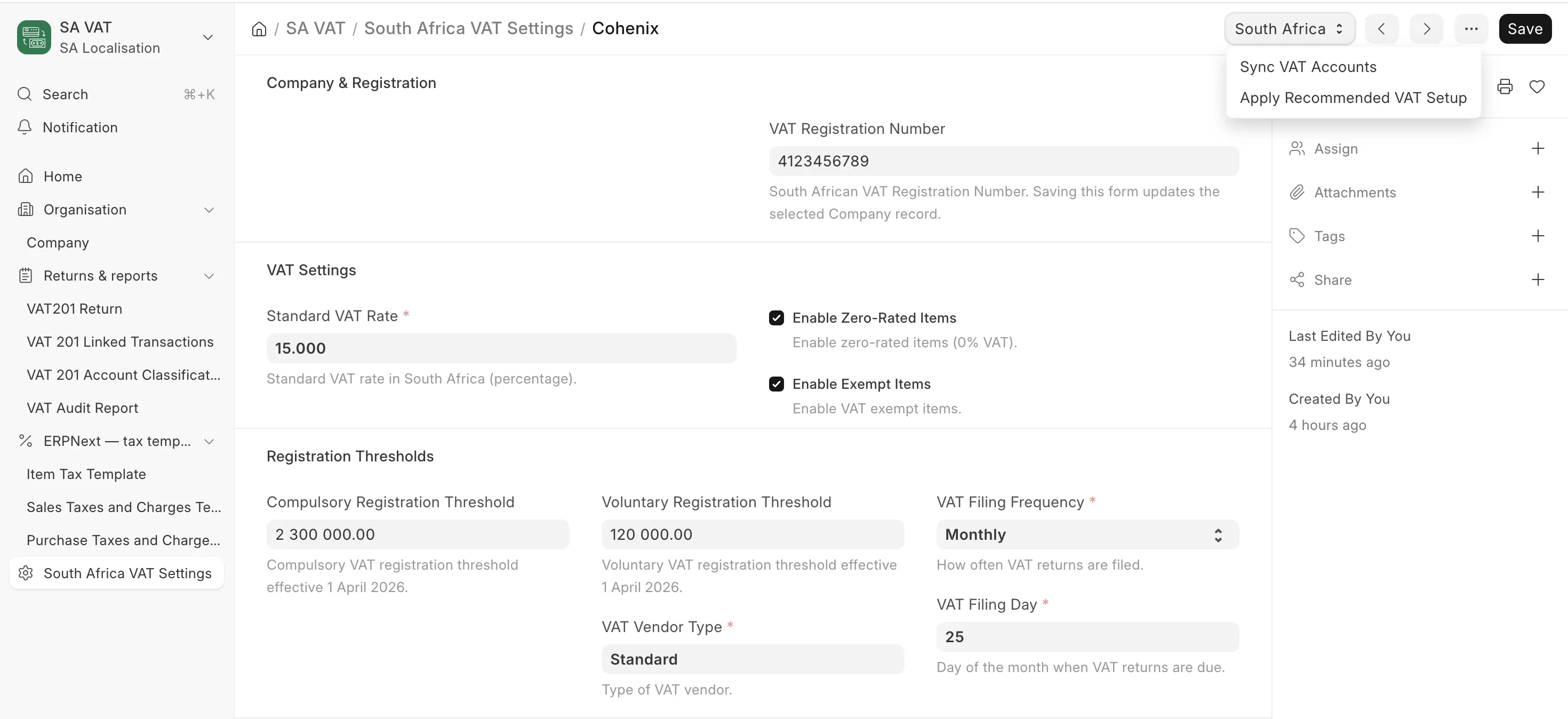
Everything in za_local is scoped to a Company. Create and configure the company first — VAT settings, payroll, COIDA and reports all reference it.
1. Create the company
If this is a brand-new site, ERPNext's setup wizard creates the first company. Otherwise create one via Company → New. Set:
- Company Name and Abbreviation
- Country: South Africa
- Default Currency: ZAR
- Default Letter Head (optional, used by print formats)
za_localcontributes a non-blocking, server-side stage to ERPNext's setup wizard; it does not add its own wizard slide. ERPNext still owns creation of the Company, Fiscal Year and Chart of Accounts.
2. Complete the South African registration fields
Open the company and find the South African Registration section (added by za_local). Complete the fields that apply:
| Field | When to complete | Notes |
|---|---|---|
| VAT Number | VAT-registered businesses | 10-digit SARS VAT number. Used on tax invoices and VAT201. |
| PAYE Reference Number | Running payroll | SARS-allocated PAYE employer number. Required before EMP201/EMP501. |
| UIF Reference Number | Running payroll | UIF employer reference. |
| SDL Reference Number | Liable for SDL | SDL employer reference. |
| COIDA Registration Number | COIDA-registered | Used by the COIDA module. |
| Trading Name | If different from registered name | Appears on documents. |
| Business Address | Recommended | Link to an Address record. |
In the Additional Configuration section you can also set:
- SETA (link to a SETA record) — for skills levy/grant context.
- Bargaining Council (link) — if the company falls under one.
- Sectoral Determination — select the applicable sector (Domestic Workers, Farm Workers, Private Security, Hospitality, Wholesale/Retail, or Other) where a sectoral wage applies.
ERPNext-only track: complete the VAT number (if registered). The PAYE/UIF/SDL fields are reference-only when you are not running payroll, so you can leave them blank.
3. Capture addresses in SA format
za_local extends Address with South African fields (unit number, complex name, street number, suburb/district, country code defaulting to "ZA", and postal-address fields such as PO Box / Private Bag). Capture the company's registered and postal addresses here so they flow onto tax invoices and IRP5 certificates correctly.
Next
Set up the Chart of Accounts so VAT and (if applicable) payroll postings have the accounts they need.