Chart of Accounts
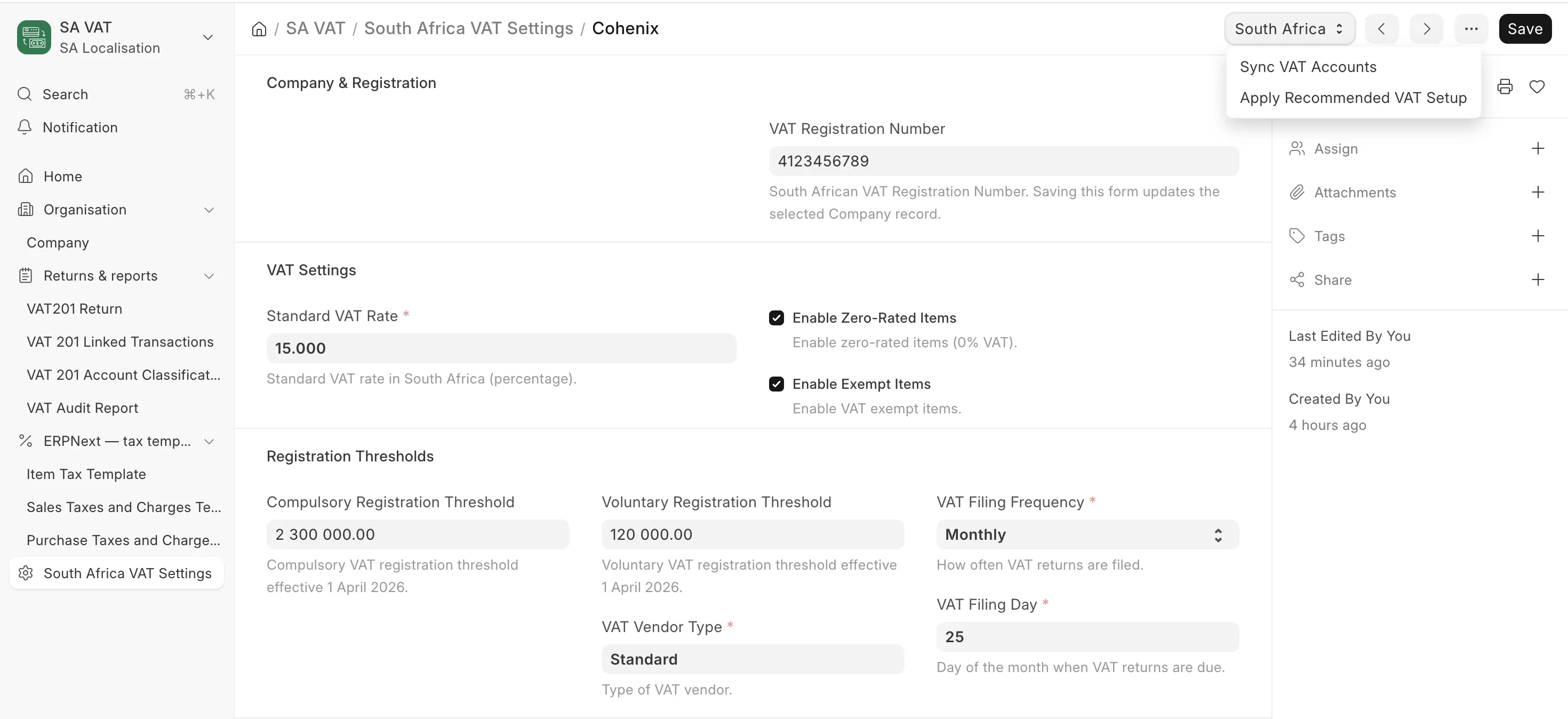
VAT and payroll postings need specific ledger accounts to exist. Set these up before configuring VAT settings or running payroll.
Loading the SA chart
za_local ships a South African chart-of-accounts template and helper logic. You can:
- Let ERPNext create the company with the SA template during the setup wizard, or
- Load/repair the SA chart via ZA Local Setup (the Load Chart of Accounts option), which calls the app's
load_sa_chart_of_accountsroutine for the selected company.
Loading is idempotent: it creates missing accounts without disturbing existing balances.
Accounts required for VAT (both tracks)
At minimum you need:
| Account | Type | Purpose |
|---|---|---|
| VAT Output | Liability (Tax) | VAT charged on sales (output tax). |
| VAT Input | Asset (Tax) | VAT paid on purchases (input tax). |
| Sales accounts | Income | Separate standard-rated, zero-rated and exempt sales if you want clean VAT201 analysis. |
| Purchase / expense accounts | Expense / Asset | Including a capital-goods path for VAT201 capital-input classification. |
These accounts are referenced later in South Africa VAT Settings (output and input VAT accounts) and in your Tax Templates.
Additional accounts required for payroll (full suite)
If you run payroll, also ensure these exist (the SA chart and the salary-component seeding create the common ones):
| Account | Type | Used by |
|---|---|---|
| Salaries and Wages | Expense | Earnings (gross) posting. |
| PAYE Payable – SARS | Liability | PAYE withheld. |
| UIF Employee Contribution | Liability | Employee UIF withheld. |
| UIF Employer Expense | Expense | Employer UIF (company contribution). |
| SDL Expense | Expense | Skills Development Levy (company contribution). |
| Payroll Payable | Liability | Net pay due to employees. |
| Pension / Provident Fund | Liability | Retirement deductions (if applicable). |
| Medical Aid Payable | Liability | Medical aid deductions (if applicable). |
Each payroll Salary Component maps to an account per company through its Accounts table. The salary-component seeding wires the statutory components (UIF, SDL, PAYE) to the accounts above. Verify these mappings on each Salary Component before your first payroll run — see Salary Components.
Verify
Open Chart of Accounts for the company and confirm the VAT output/input accounts exist. For payroll, confirm the salary, PAYE, UIF, SDL and payroll-payable accounts exist and are not disabled.
Next
Run the ZA Local Setup & Fiscal Year helper to seed remaining master data and create the fiscal year.